For office managers, supervisors and the person who got asked at 4:45
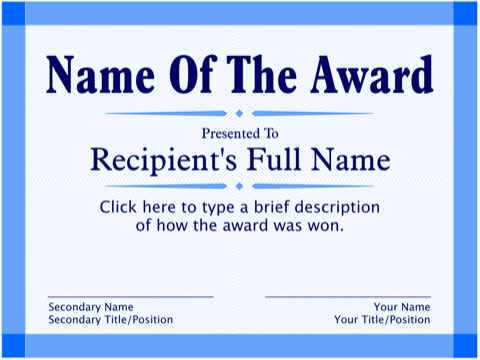
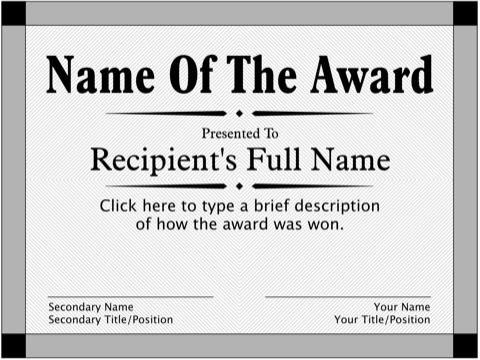
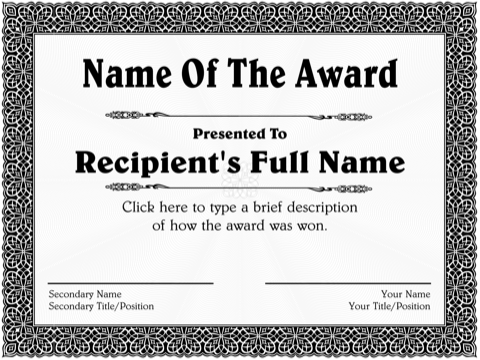
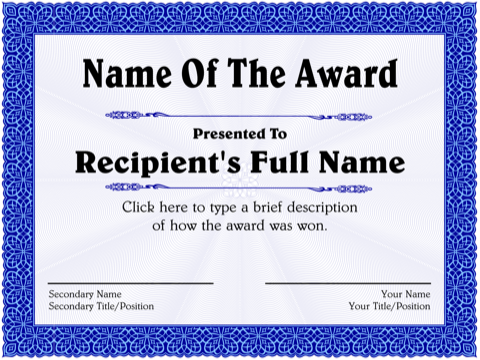
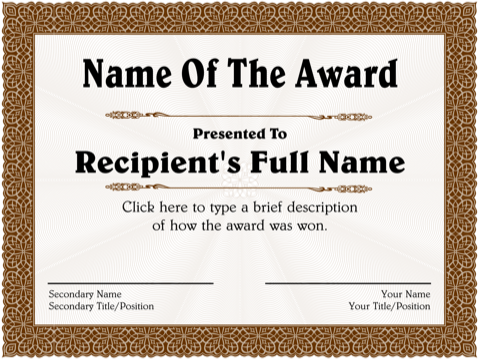
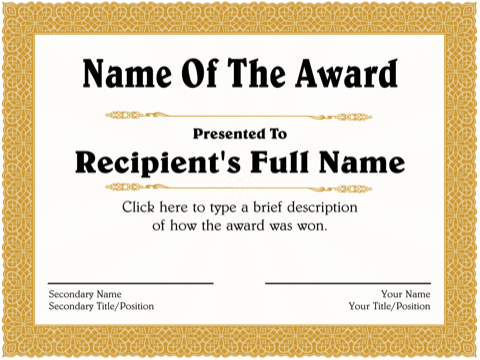
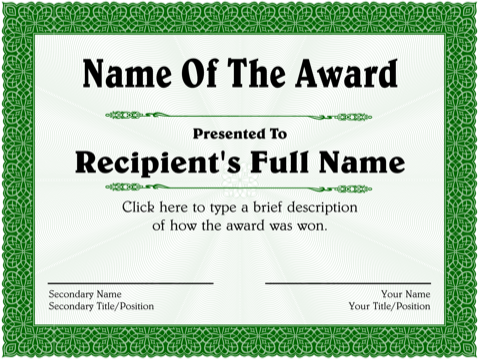
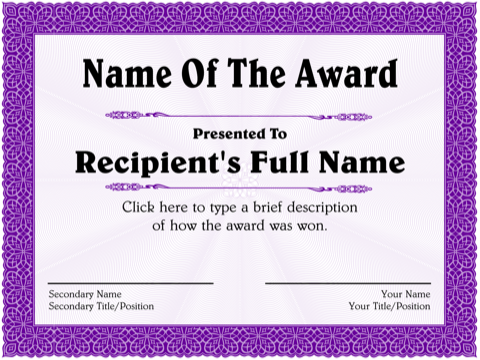
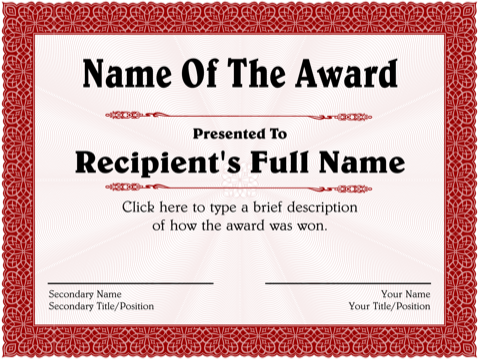
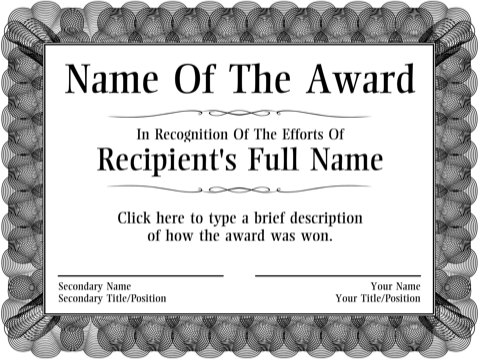
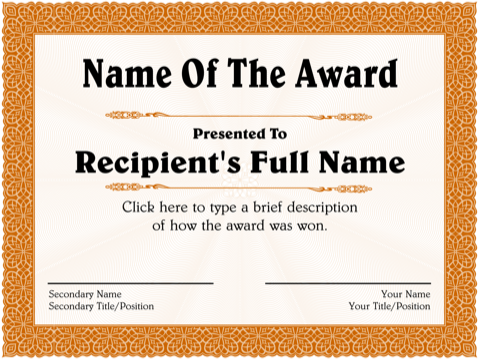
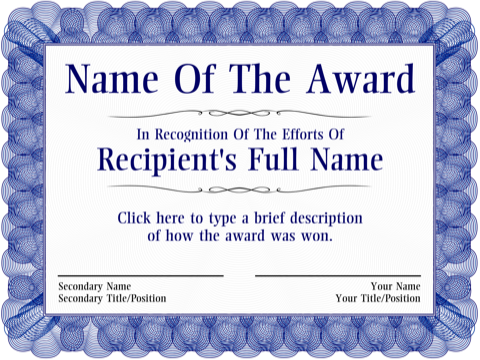
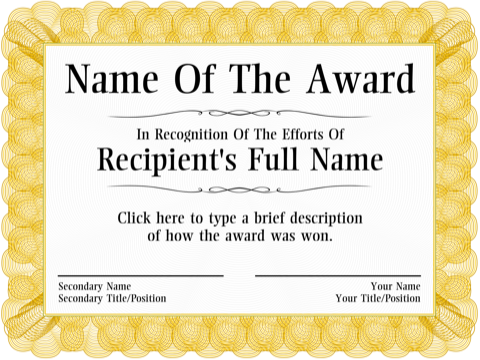
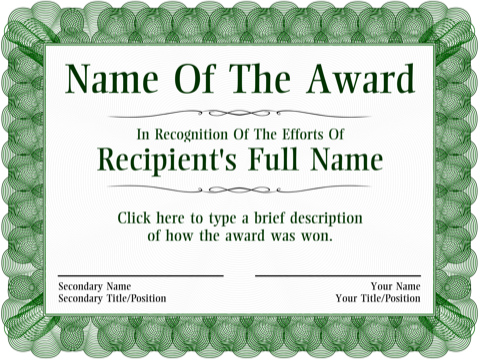
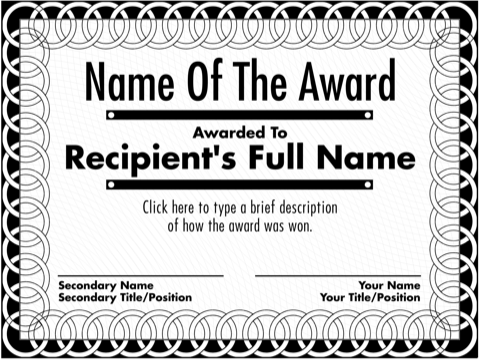
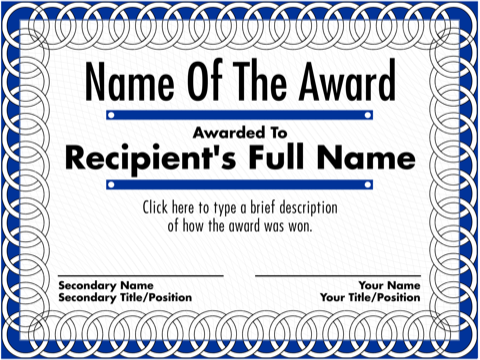
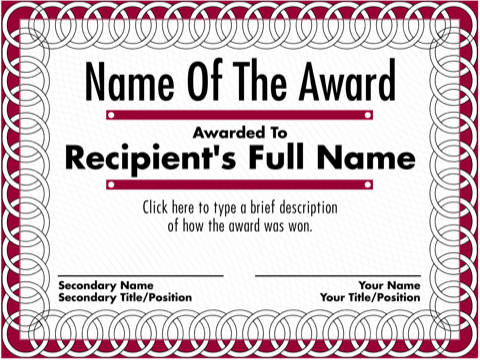
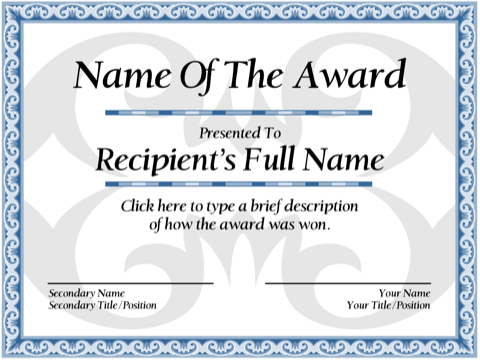
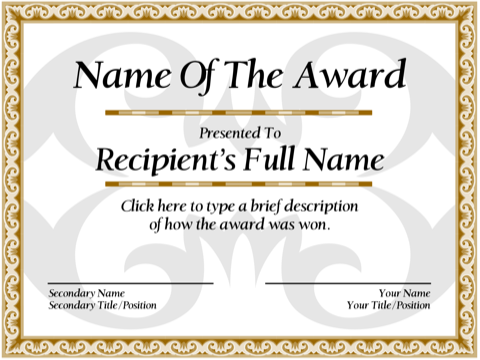
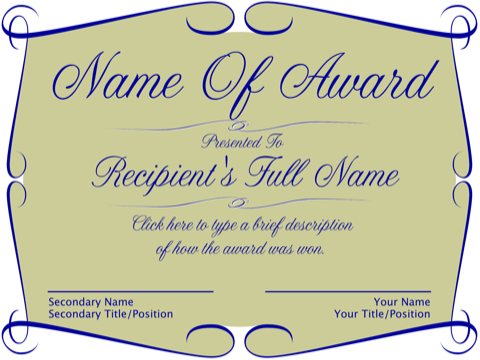
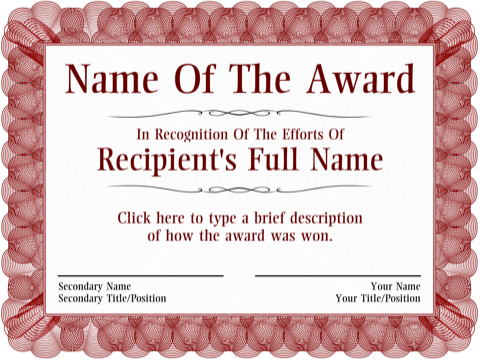
Someone usually gets handed this task late: "Can you make up a certificate for Priya before the all-hands?" The designs on this page are the ones that look right in a conference room. The blue textual design above is the standard; the greyscale version of it prints cleanly on an office laser printer, and the scroll and leafwork borders suit formal occasions like retirements.
Recognition that lands
- Employee of the Month / Quarter. State the reason in one line. "For leading the spring inventory" says more than "for outstanding performance."
- Service milestones. Five, ten, twenty years. Use the description for a specific contribution rather than a tenure count alone.
- Safety and compliance. Days without incident, a hazard someone caught.
- Sales and targets. Top producer, biggest account, best customer feedback.
- Peer awards. The Gold Star, the Fire Extinguisher ("for putting out the most fires"), the Early Bird. A little humor at an all-hands is remembered longer than a plaque.
Wording that sounds like your company
Write the award name the way it will be announced. Keep the description to two or three lines and make it concrete. Avoid vague superlatives ("exemplary dedication") unless you add what the person actually did. Put the presenting manager's name and title on the signature line; a second line for a director or HR lead gives the certificate weight.
If the certificate is going into a personnel file, print two: one to present, one to file.
Paper and printing at the office
Office laser printers handle 24 lb to 32 lb paper well; linen-finish or parchment-style certificate paper from the supply closet is usually fine too. Choose landscape in the print dialog, or the certificate prints small in the corner of a portrait page. The printing tips page covers that setting and why "best" print quality matters for the colored borders.
A certificate holder or a plain black frame turns a sheet of paper into something that stays on a desk.
Free, with no procurement form
There is nothing to license. No account, no email, no per-seat anything. Make one certificate or forty; nothing is watermarked and nothing expires.